
In the blog, we will show you the steps to create a new VPC in Alibaba cloud.
REQUIREMENTS TO CREATE NEW VPC
- Minimum free tier subscription with Alibaba cloud.
Note: Please follow this URL https://www.alibabacloud.com/getting-started/projects/alibaba-cloud-new-user-free-trial to create a free trial with Alibaba cloud.
VPC CREATION IN ALIBABA CLOUD
- Open the web browser and access the Alibaba cloud URL www.alibabacloud.com

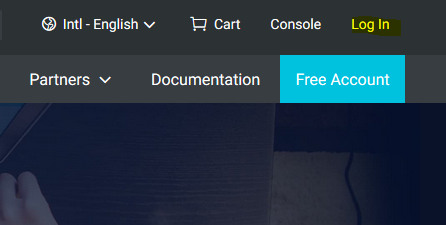
- Click on the Log In link.
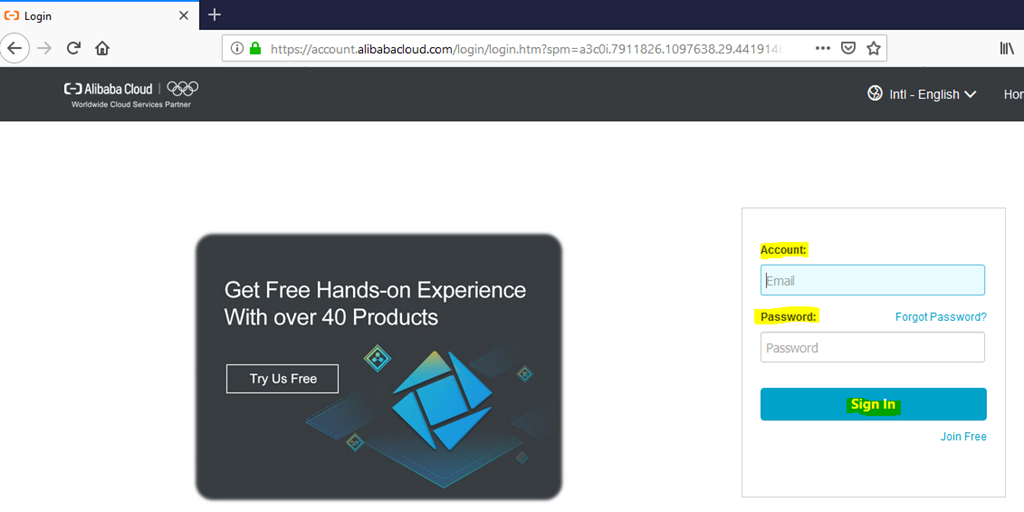
- Provide your login credentials and select Sign In.
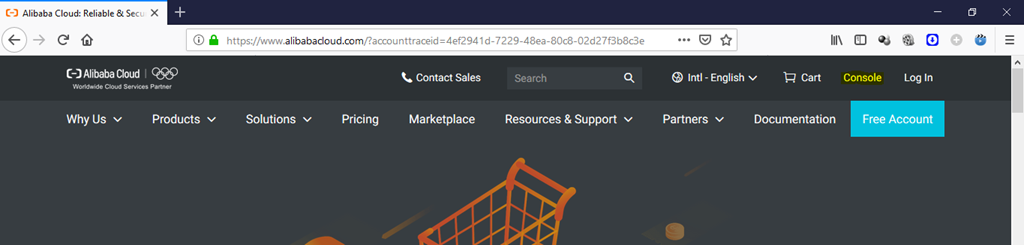
- Once we logged into the portal, click on the console option.
- Click on the button to expand the products list. Now select the Virtual Private Cloud under Network section.

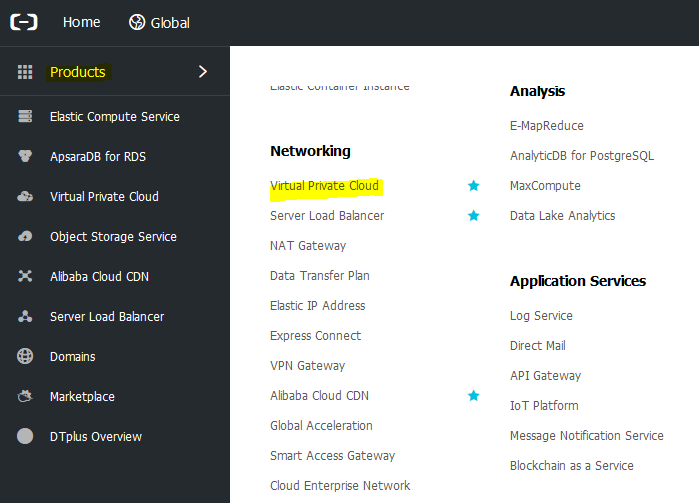
- Select the corresponding region from the top left-hand corner.
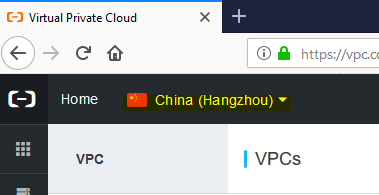
- We select India (Mumbai) for this demo.
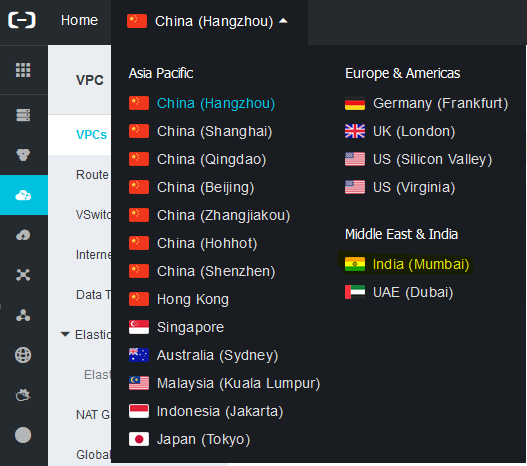
- Make sure that your selected region is showing on the top left-hand corner.

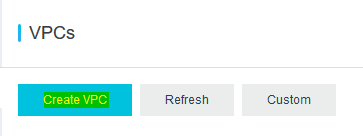
- To create a new VPC, click on Create VPC button.
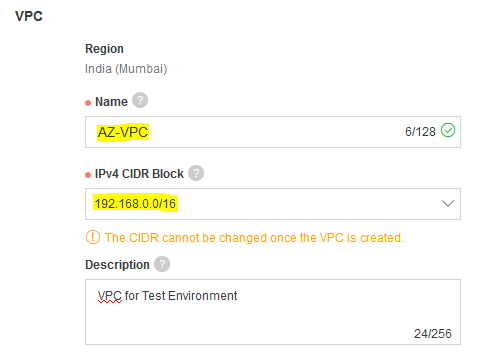
- Provide the name and select the CIDR block from the drop-down list for your VPC.
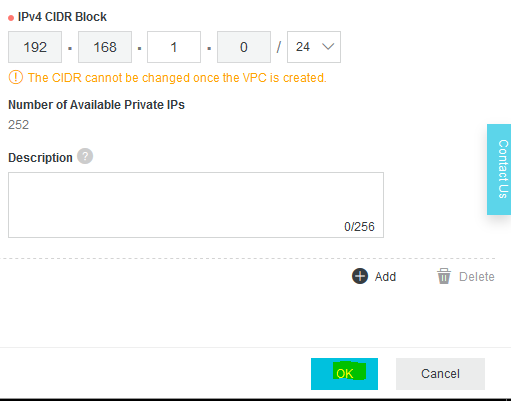
- Scroll down and provide the name for V-switch and select the zone from the drop-down list.

- Then specify the subnet block for your VPC and click OK.
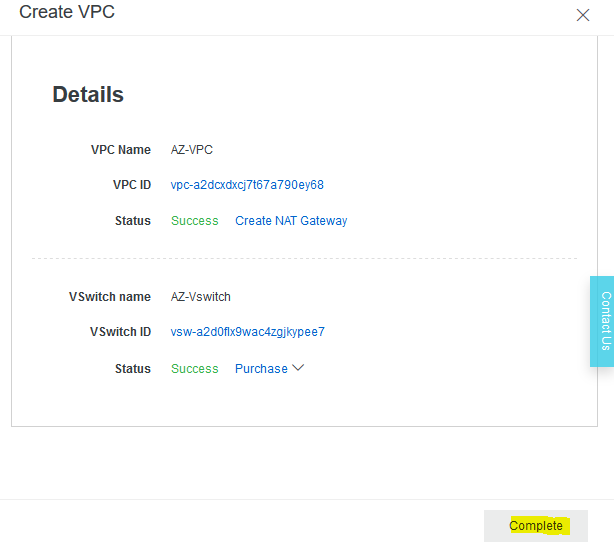
- Click on complete to finish the process.
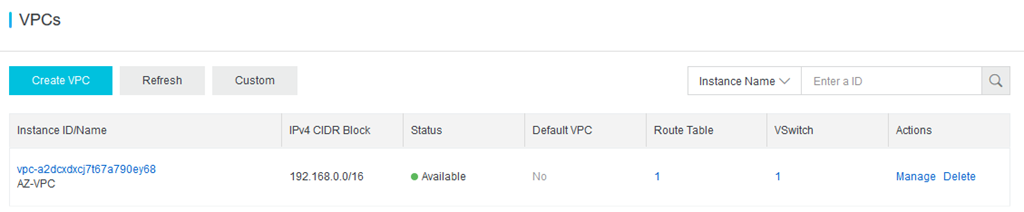
- In a few seconds, new VPC will be available in the list.
REFERENCE
https://www.alibabacloud.com/help/doc-detail/65430.htm
Thanks for reading this blog. We hope it was useful for you to learn about the steps to create new VPC in Alibaba cloud

Loges